
1. Log in to MyNRMN
2. Select My Connections
3. Locate mentor or mentee
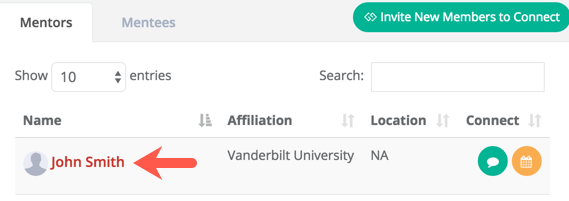
4. Click 
5. Click Share File
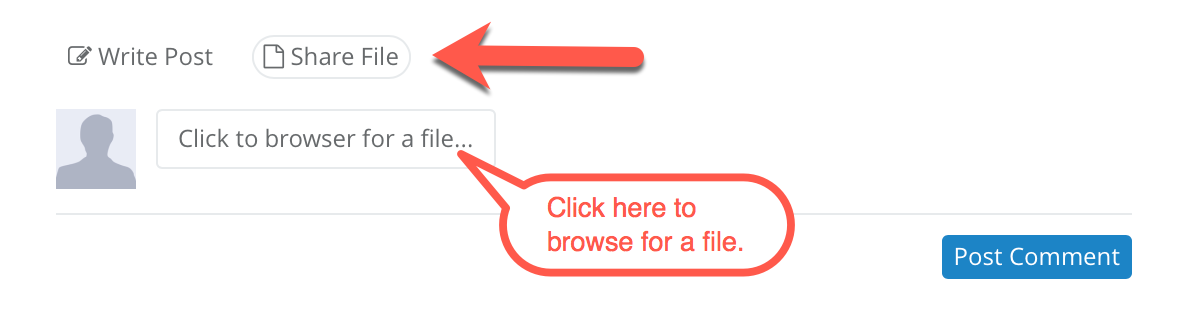
6. Once the desired file is selected:
- It will automatically be uploaded to your files.
- You may also add a message with the file.
Click Post Comment to post message and/or send file.

0 Comments