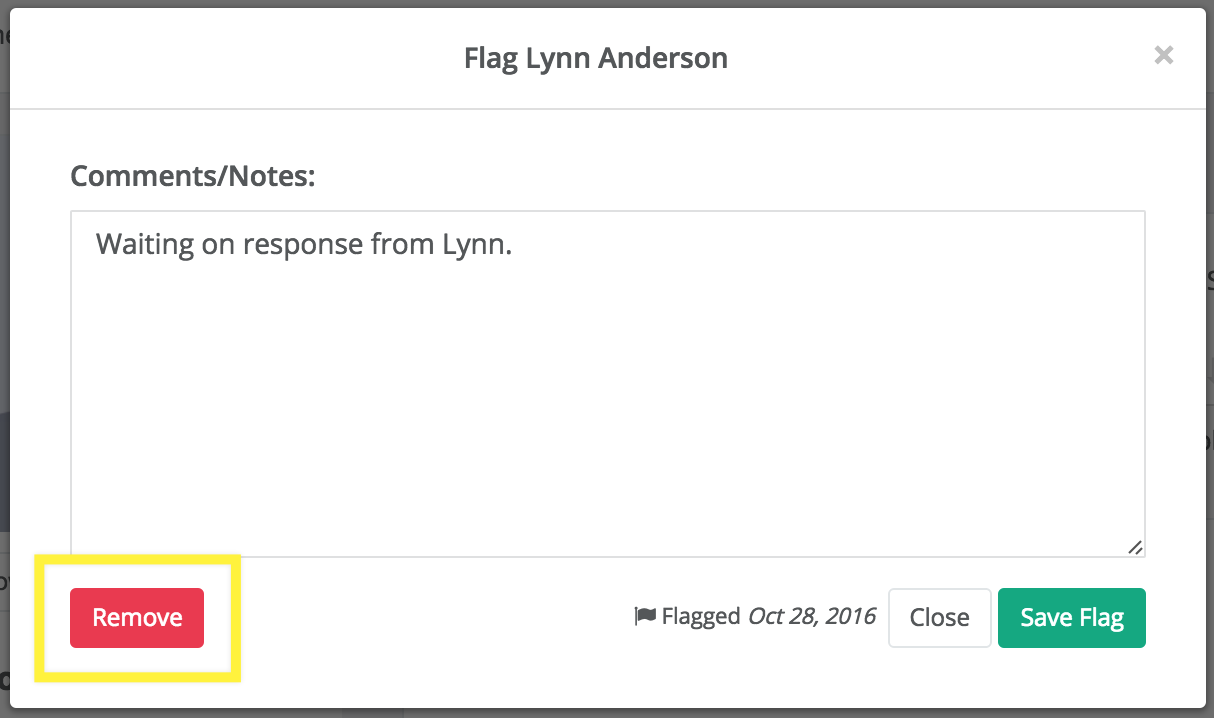
How do I remove the flag I have placed on the mentee? NRMN-Link August 22, 2024 22:34 Follow Mentors have the ability to remove flags and comments from the mentees profile by clicking Select remove to delete flag Log in to https://my.nrmnet.net in your browser and click My Connections Click the red flag icon placed on mentee Click Remove That's it. You're done. 0 Comments Please sign in to leave a comment.



0 Comments